Smart Floor Finish
- One-click creation from existing rooms.
- Automatically identify and span door thresholds.
- BIM-Ready: inherits room data for scheduling.
Skip the Tracing
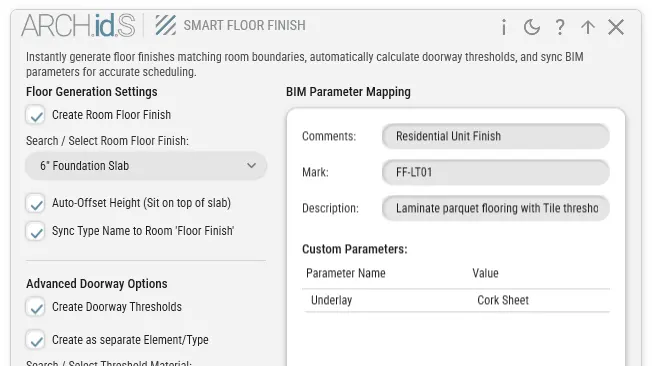
Stop manually sketching floor boundaries. The tool intelligently reads volumetric room data to generate complex floor finishes instantly.
Live Updates
When your architectural walls shift, your floor finishes can adapt to the new room boundaries without needing to be redrawn.
Custom Parameters
Automatically assign and inherit vital room data into the floor elements, ensuring your material takeoff schedules are always accurate.
One-click creation.
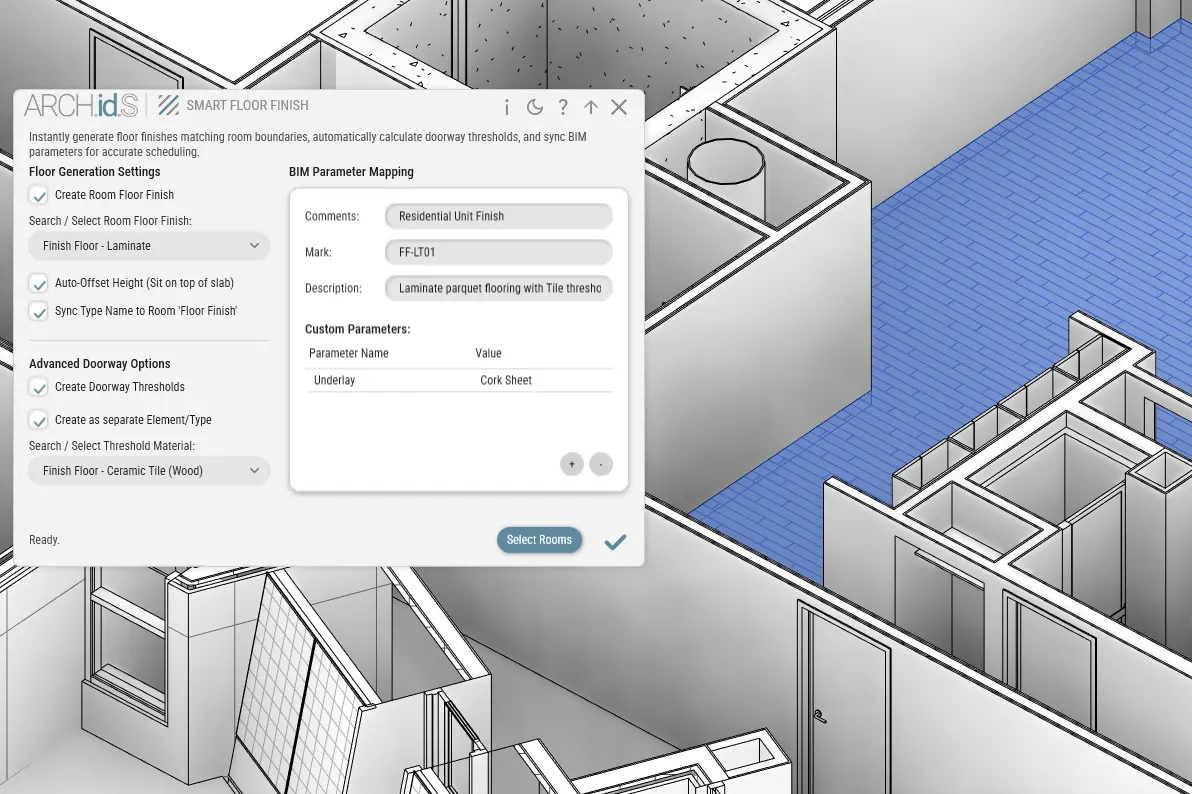
Select a room, choose your floor type, and click. The tool generates a perfectly bound floor finish matching the exact interior silhouette.
Identify thresholds.
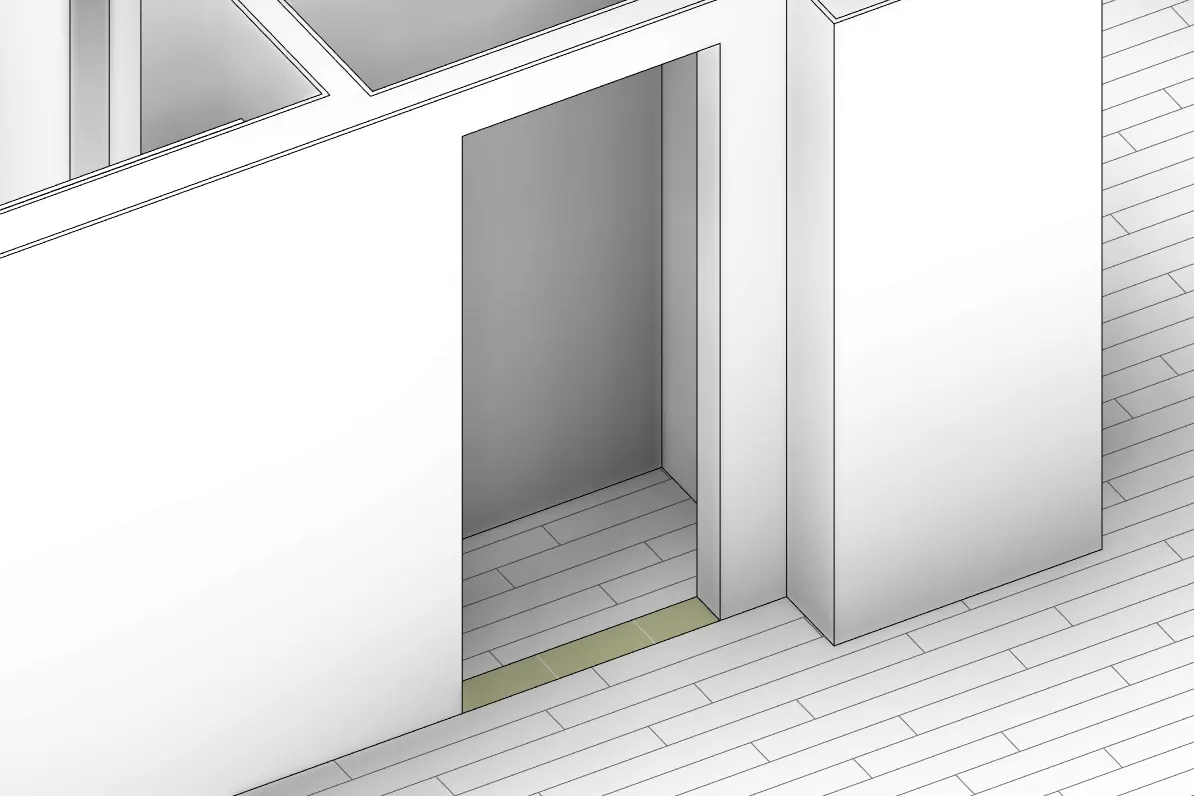
Unlike native Revit room boundaries that stop at the door face, the tool intelligently identifies door openings and pushes the floor finish cleanly through the threshold.
BIM-Ready geometry.
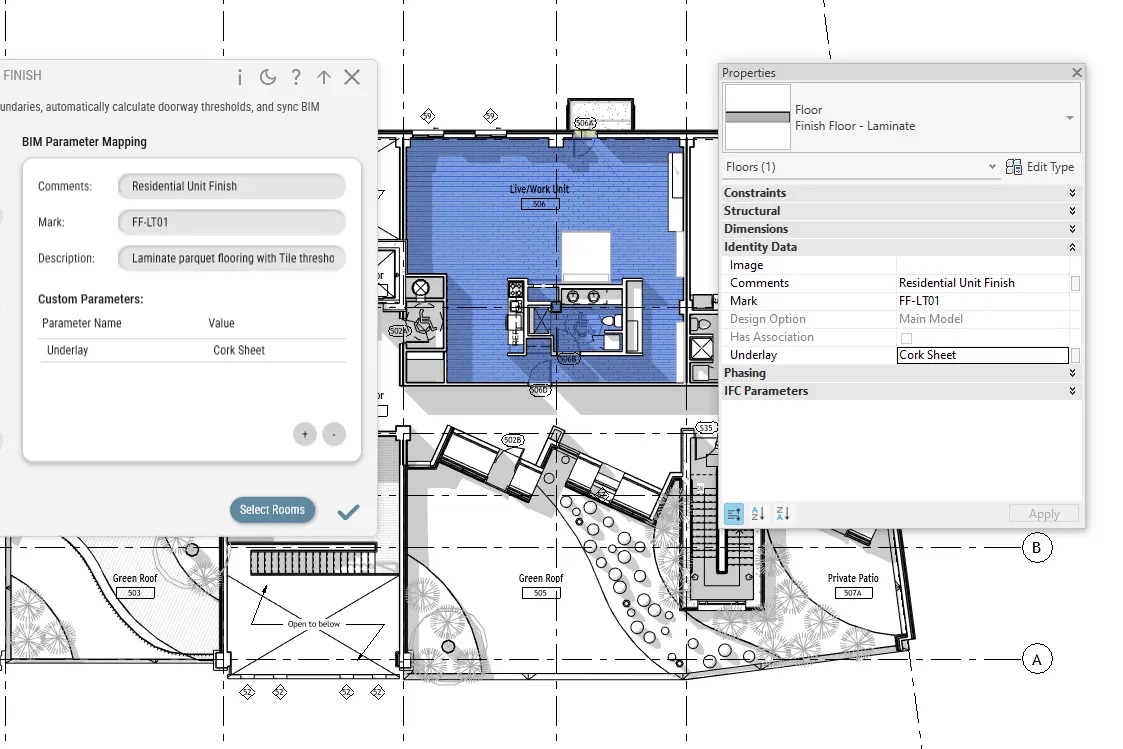
The created floors aren't just dumb geometry. They automatically inherit the Room Name, Number, and custom parameters to keep your schedules robust.
Ready to skip the tedious tracing?
Add Smart Floor Finish to your Revit toolset today.
Get the Free Addins Suite