Smart Paint
- Boundary-aware application across complex geometries.
- Apply materials by individual surface or entire room.
- Produces accurate, schedule-ready quantity takeoffs.
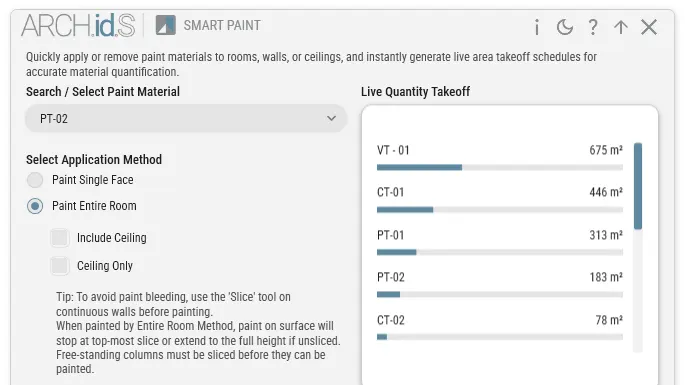
Slice and Paint
Combine geometry splitting and material application into one seamless step to handle complex wainscoting or split-finish walls.
Remove Existing Paint
Instantly strip previous material overrides across multiple faces to reset your model to a clean slate without hunting for individual surfaces.
Ceiling-Aware
Intelligently detect ceiling surfaces, include or exclude or isolate to paint.
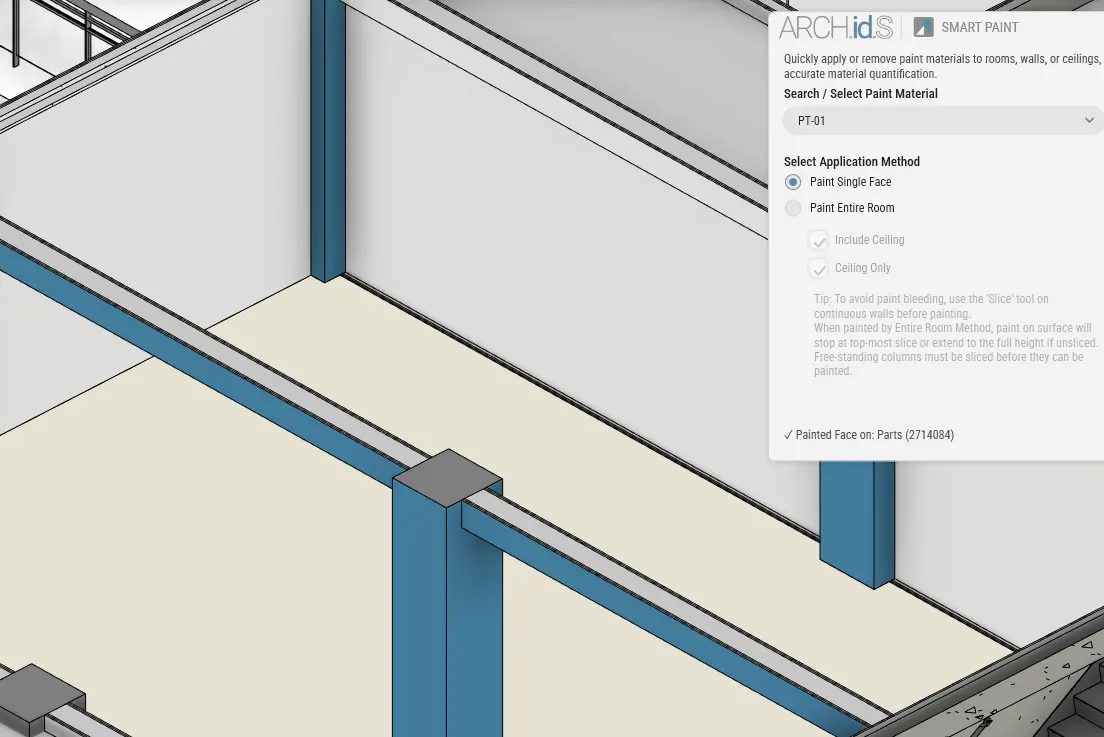
Boundary-aware application.
The tool recognizes the physical limits of the room, doors, and windows, ensuring paint is applied logically without bleeding into adjacent spaces.
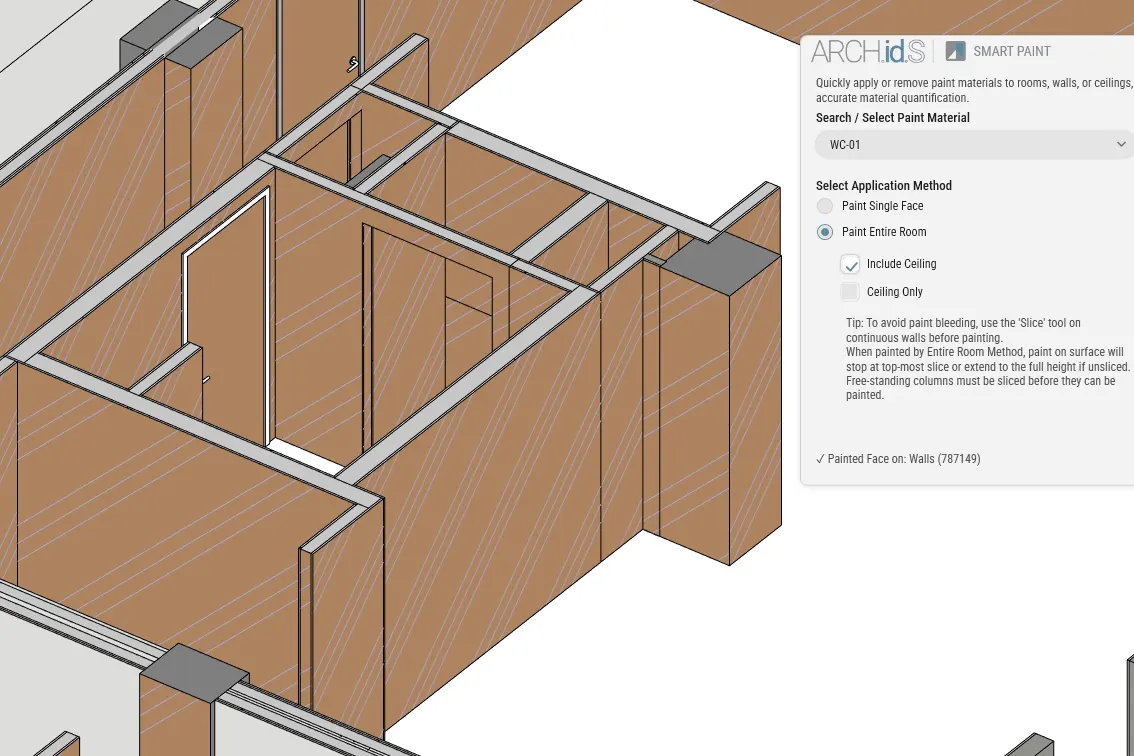
By surface or room.
Need an accent wall? Select a single surface. Need the whole room painted? Apply it globally based on the room bounding elements in a single click.
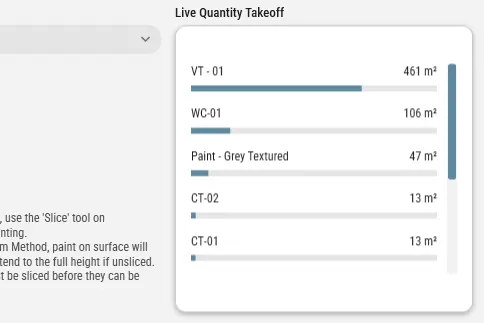
Quantity takeoff ready.
Every painted surface is tracked accurately. Generate precise material quantity schedules that update live as you modify the design.
Ready to streamline your material application?
Add Smart Paint to your Revit toolset today.
Get the Free Addins Suite