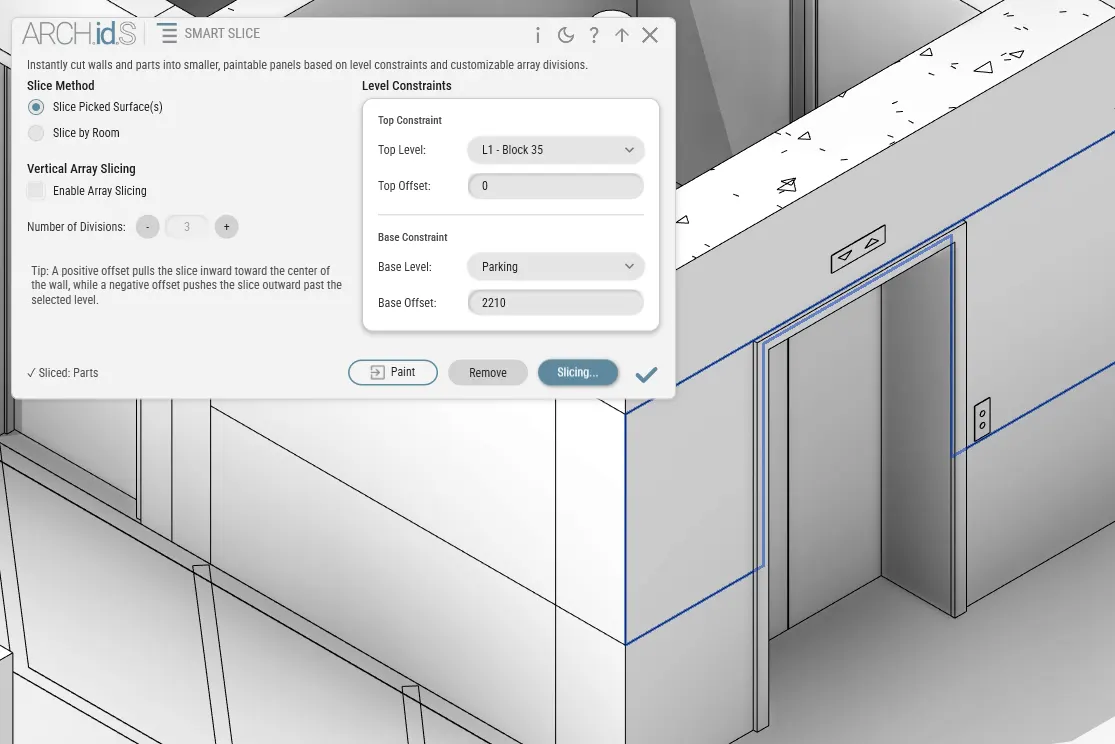
Smart Slice
// Subdivide wall and column surfaces into paintable regions using level constraints and room perimeters
- Subdivides wall and column surfaces into paintable regions without splitting physical wall families.
- Sets horizontal split boundaries using project level datums and offset heights.
- Supports whole-room perimeter slicing or single-face selection on walls and columns.
Key Features & Workflow
Constraint-Based
Set upper and lower split elevations using project levels and offset heights, such as finished floor to wainscot height.
Non-Destructive Parts
Employs Revit surface parts to keep core walls, joins, and structural geometry intact and uncut.
Smart Paint Companion
Automatically unlocks material parameters on sliced regions so they are immediately ready to paint.
Workflow & Operation
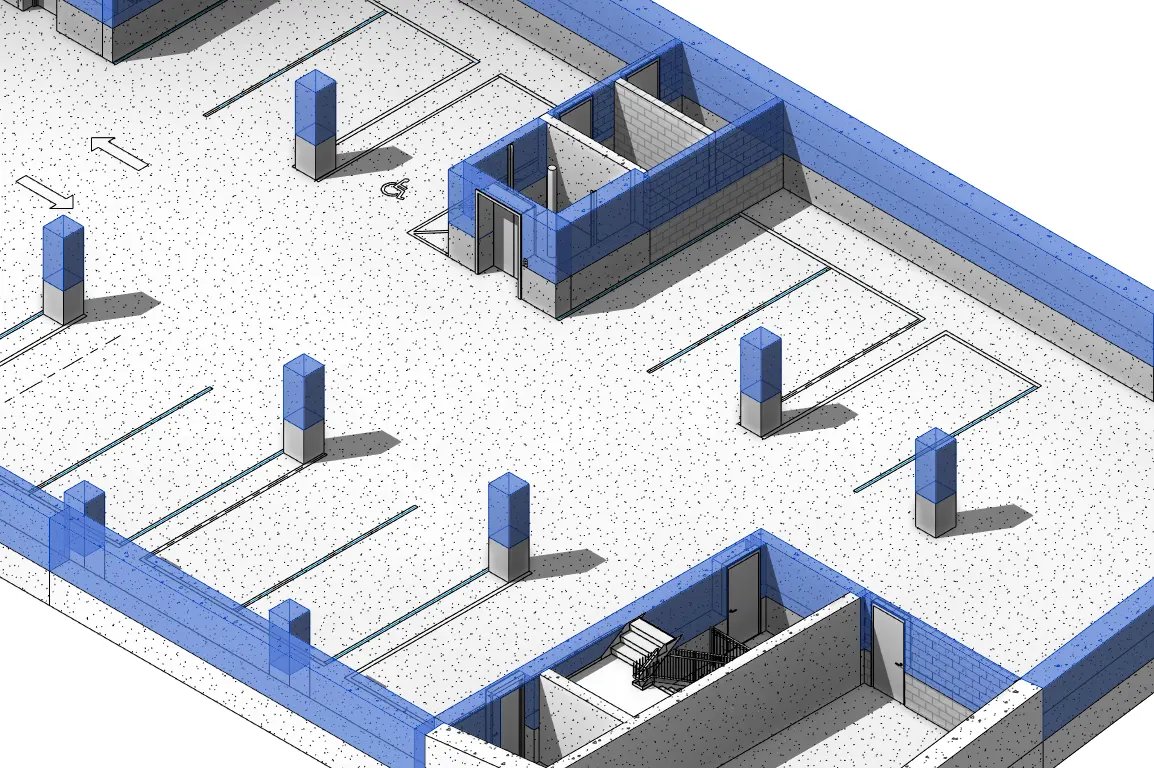
By surface or room.
Select an individual wall or column face, or pick an entire room to slice all bounding surfaces simultaneously.
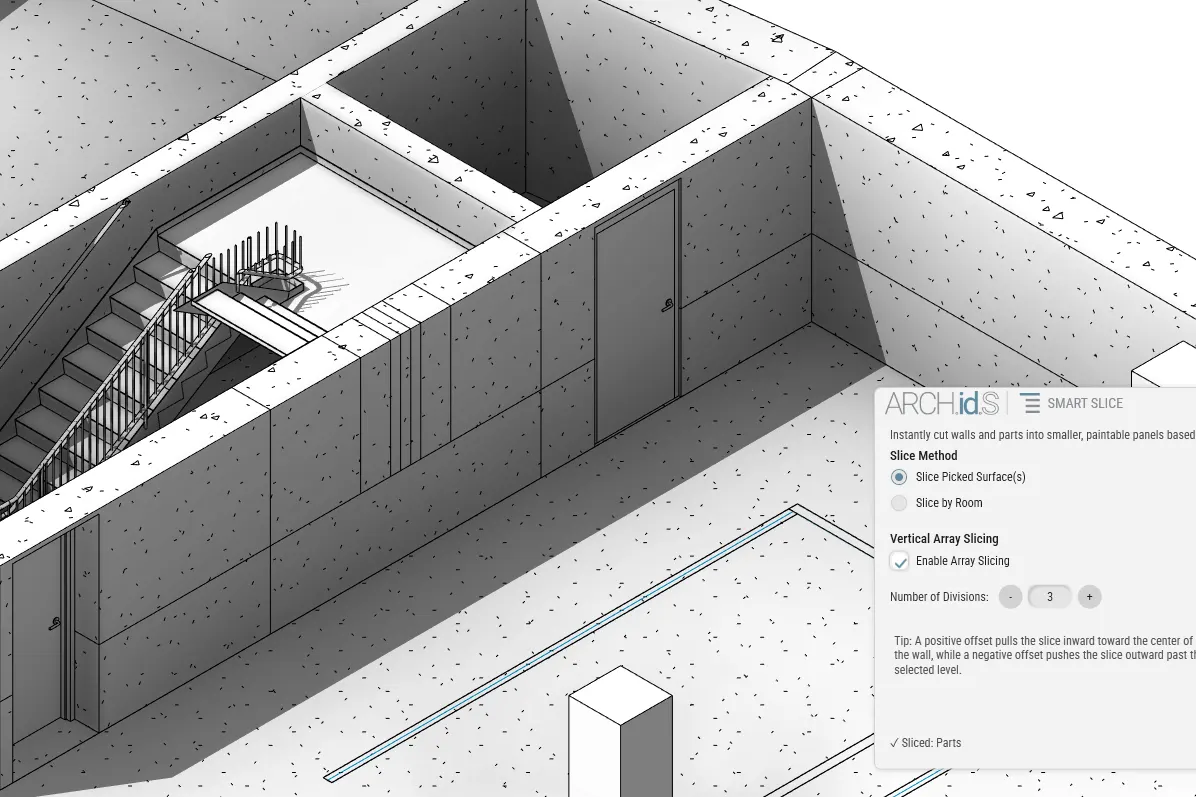
Vertical slicing.
Divide wall faces into equal vertical panels or modular bays by specifying the desired number of divisions.
Constraint-based.
Define split heights using project level datums and offsets (such as Level 1 + 1200mm) without cutting through doors or openings.